Top Tools Every Professional Website Designer Should Know


In today's digital-first world, a website is often the face of the business. From a startup to a mid-sized enterprise, down to a global brand, they can all influence perception, engagement, and conversions with an appealing, high-performing website. Indeed, as a professional website designer, having the right set of tools will be not just helpful but essential in presenting work that is both aesthetically polished and technically sound.
From brainstorming layouts to delivering a fully functional responsive website, designers depend on an ecosystem of tools that ease workflows, enhance collaboration, and inspire creativity. Below is a detailed guide to the most valued tools any professional website designer should know in order to stay competitive, efficient, and inspired.
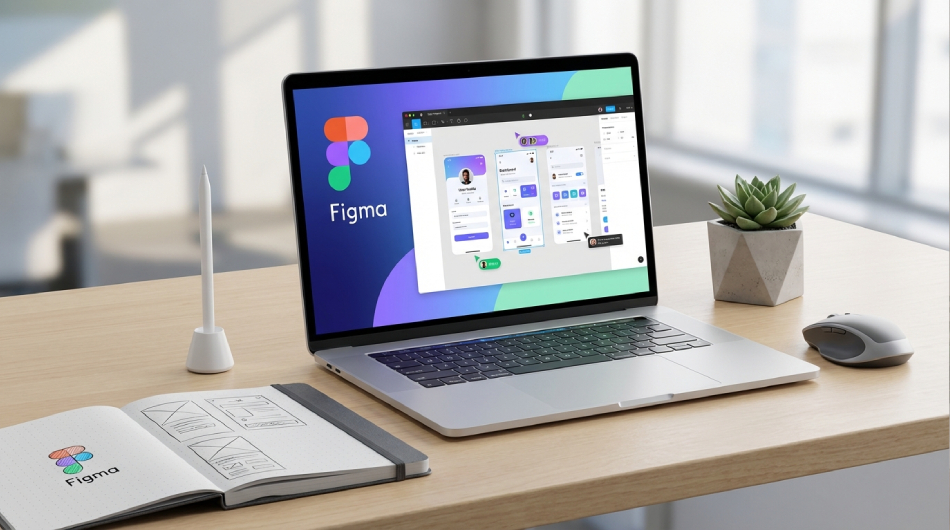
Figma has grown rapidly to become one of the most preferred tools amongst website designers. It is cloud-based, thus excellent for collaboration between you and your coworkers, clients, and developers in real time.
Key Features
It also applies quite well when people are doing big projects that may require version control and team feedback. Because it is stored in the cloud, it is easier to switch to another computer and share files.
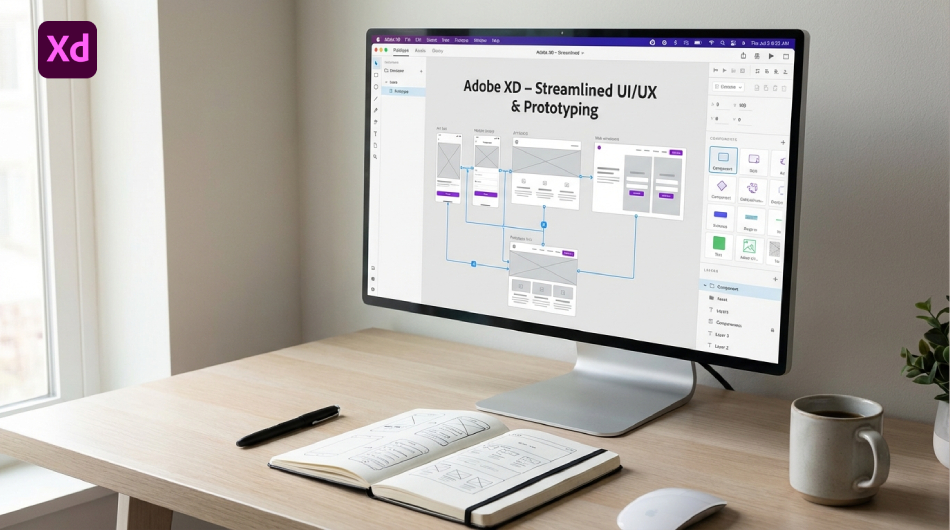
Another powerful design option, Adobe XD is highly appreciated for the cleanliness of its interface and smooth performance. Professional designers like the ability of this tool to work in conjunction with applications such as Photoshop and Illustrator, among others, in Creative Cloud.
Why It Stands Out
XD provides a comfortable, highly efficient workflow for designers who are already entrenched in Adobe tools.
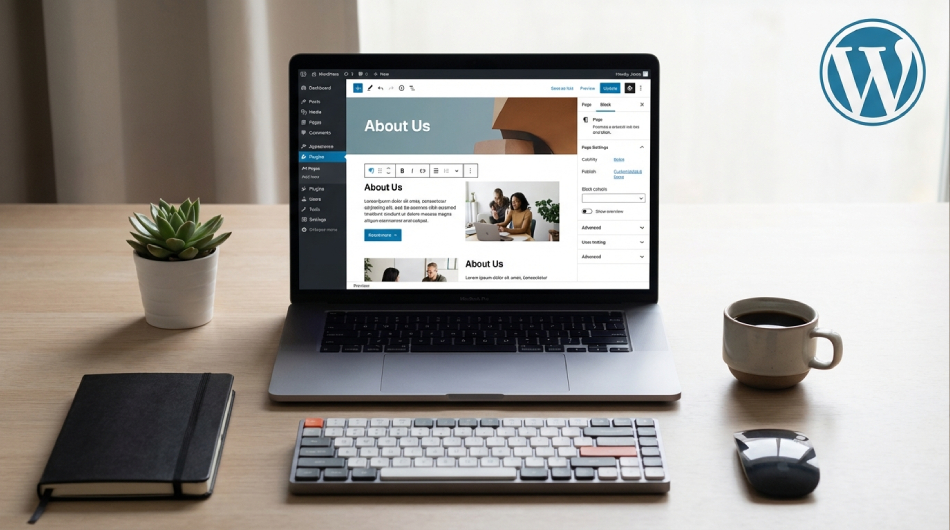
Over 40% of the web is powered by WordPress, and it's an indispensable tool in the tool chest of a professional website designer. There are literally thousands of themes, plugins, and page builders that make it highly customizable.
Benefits to Designers
Talented WordPress designers can accommodate virtually any type of client, from bloggers to enterprise-level businesses.
Webflow is increasingly popular among designers since it allows them to build fully functional, responsive websites without needing to write code, while still producing clean HTML, CSS, and JavaScript.
Why Professionals Love Webflow
Webflow closes the gap between design and development, giving designers the power to independently deliver production-ready websites.
No matter how many new design tools appear, Adobe Photoshop remains indispensable. It is used for image editing, layout design, and the preparation of visual elements for websites, among many other tasks.
Core Uses
All types of designers benefit from mastering the powerful features Photoshop has to offer.
Adobe Illustrator is an industry-standard tool used for icon creation, logo creation, and scalable illustrations. For modern websites, vector graphics— which scale cleanly across devices—are essential.
Key Benefits
This is very important for designers working with branding and identity design.
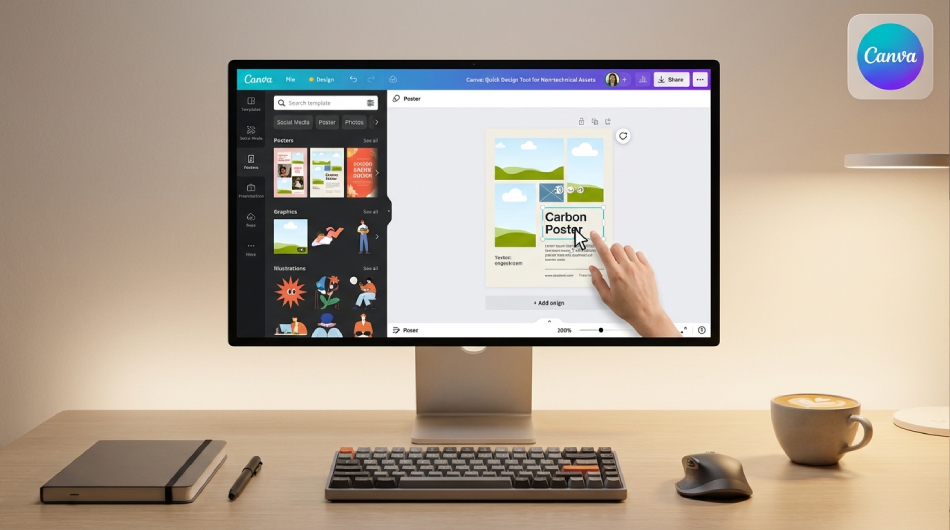
Although Canva is not a major web design tool, it is extremely helpful for creating quick graphics for social media posts, blog headers, and light branding requirements.
Why It's Useful Even for Professionals
Canva saves a lot of time for projects with urgent deadlines or non-critical assets.
Visual Studio Code is a powerful code editor widely used among designers to handle front-end tasks involving HTML, CSS, and even JavaScript. Basic coding knowledge is extremely valuable, even for designers who primarily work visually.
Best Features
Designers who can code are better equipped to communicate with developers and debug layout issues more intelligently.
Version control is essential, and designers working in a development environment or on high-end websites need to understand how to use GitHub.
Why It Matters
Mastering GitHub enables designers to enhance their professional credibility and technical fluency.
InVision was primarily used to transform static designs into interactive prototypes, making client presentations smoother and easier to understand.
Key Features
While several newer tools have entered the market, InVision still holds a place in many professional workflows.
More important to design professionals are project management tools that help them juggle multiple clients or complex team projects.
Why Designers Need Them
Where Notion allows for more customization options, Trello offers a clean visual display based on cards.
A vital typography resource, Google Fonts is essential for web design. It offers a wide range of high-quality fonts optimized for web use, completely free.
Why It Matters
The success of a professional website designer depends not only on his or her creativity but rather on how well he or she masters the tools that bring those ideas to life. Design and prototyping software, development platforms, performance testers, and workflow managers-all are important pieces in the creation of modern, responsive, high-quality websites.
And by continuing to learn about and adapt to emerging tools, designers will keep pace with the trends, craft superior user experiences, and be competitive in business. Whether you're just starting out and looking to expand your toolkit or an experienced designer honing their process, this suite of tools will prove essential in crafting professional and impactful digital experiences.
With over 14 years of proven industry expertise, FODUU stands among the top website design companies in India, known for creating modern, functional and high-performance websites and apps for businesses. Our skilled team of Indian website designers uses a wide range of professional web design tools such as Figma for UI/UX design, Adobe XD and Photoshop for creative layouts, Canva for quick visual assets, and Visual Studio Code for clean, optimized development.